
Song Extender
Upload a short track and continue the groove.
Drop your audio or video here or click to browseTap to choose a file
MP3, WAV, OGG, M4A, FLAC, AAC · video with sound: MP4, WebM, MOV (we use its audio track) · 50MB max · ≤ 8 min
Use audio you own or are licensed to transform
By uploading, you confirm this is audio you own or are licensed to transform. No celebrity voice cloning or commercial recordings you do not have rights to use.
- Good inputs: your demo, voice memo, stem, licensed source audio, or a GoAISong-generated track.
- Released commercial recordings from Spotify, YouTube, or downloads may be rejected during generation. Credits used for failed generations are automatically refunded.
Tip
By default, new music starts at the end of your upload. To start earlier, upload a file at least 20 seconds long and choose “Pick a point” below the file. The length of the extension varies.
Listen to examples

Study Loop → Extended
Lo-fi

Trap Sketch → Full Track
Trap

Ambient Seed → Extended
Electronic

Epic Build → Full Score
Cinematic
20 shared trial credits · 30 days. Listening is free; official downloads require a pack or subscription. Trial terms
20 trial credits · 30 days · no check-ins. Two standard 10-credit music attempts if used only for music; other tools share this balance. Full listening is free; downloads and share videos need a pack or subscription. Eligibility rules apply.
Credits are returned automatically if a generation fails.
Turn a Short Demo Into a Full-Length Song
Turn your hum, riff, or unfinished demo into a finished song in your own style. Listen to the result, then download with a credit pack or subscription.
AI That Composes, Not Just Loops
Try Song Extender
Perfect for Producers & Content Creators
Extend Your Beat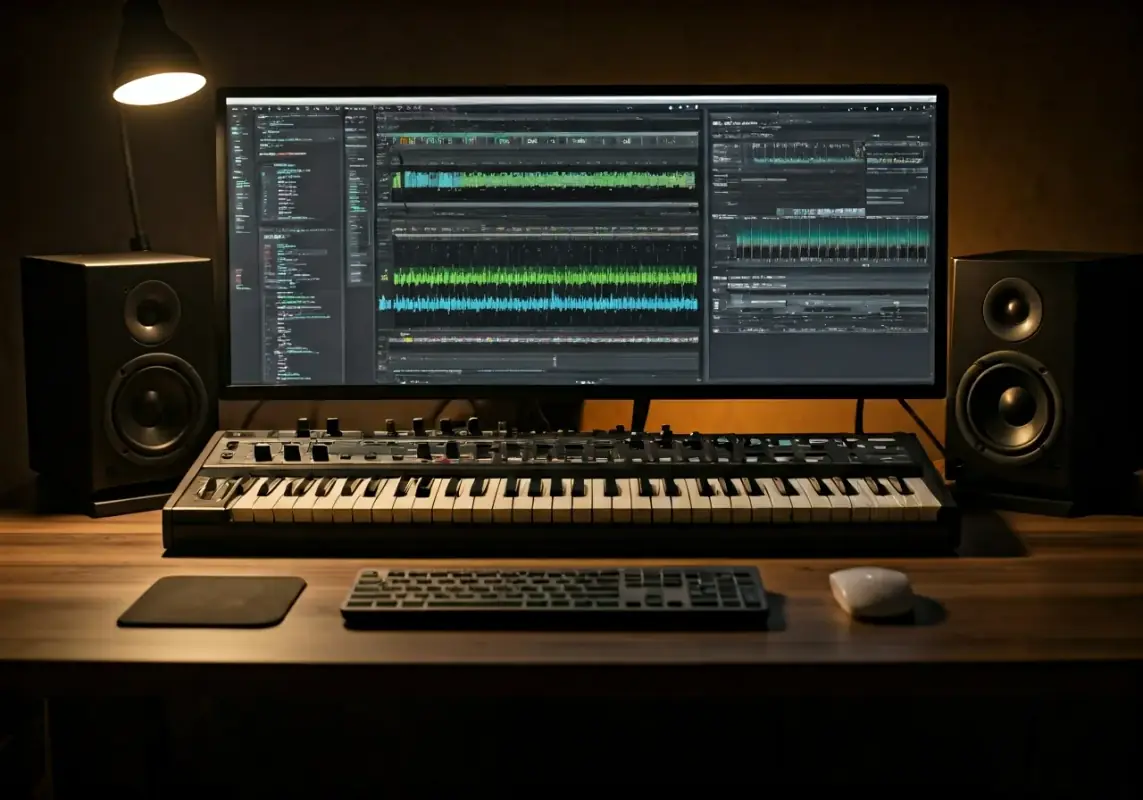
Seamless, Natural Transitions
Start Extending
The Four Stages of AI Song Extension
Trial and audio downloads. New-policy accounts receive 20 trial credits valid for 30 days, with no check-in rewards. Use them for two standard 10-credit generations if you spend the whole balance on music. Audio downloads require a credit pack or subscription; existing accounts keep their original benefits. Fair-use eligibility rules apply. Buying a pack lets you download the same trial result without generating it again or spending extra credits on the download.
AI song extension is fundamentally different from looping or audio stretching. Instead of repeating existing audio, the AI composes entirely new musical content that continues naturally from your original track.
The process works in four stages:
- Musical analysis. The AI identifies the key, tempo, time signature, chord progressions, instrumentation, and production style of your original track. It builds a complete musical understanding of what makes your track sound the way it does.
- Structure prediction. Based on the musical analysis, the AI predicts what should come next. If your track ends on a verse, it might compose a chorus. If the energy is building, the AI continues that trajectory. The extension follows natural musical logic.
- Composition. New melodies, harmonies, rhythmic patterns, and arrangements are generated that match the style of the original. The AI uses the same instrumentation, production techniques, and sonic character — but creates genuinely new musical ideas.
- Smooth blending. The transition point between original and extension is smoothed so it can sound like one continuous piece. Dynamics, reverb tails, and rhythmic patterns flow naturally across the join.
The result is a longer track: the AI continues the music rather than looping it, aiming for a natural-sounding extension.
Use Cases: Producers, Content Creators & Musicians
Song extension solves a specific problem: you have audio that is too short for your needs. Here are the most common use cases:
Beat development. Producers often start with a 15-30 second loop or beat idea. The song extender turns that seed into a full 2-3 minute track with proper structure — intro, verse, chorus, bridge, outro. No more staring at an 8-bar loop wondering what comes next.
Video background music. Your video is 4 minutes but your background track is only 2. Instead of awkwardly looping or cutting the video short, extend the track to match. The AI-generated extension maintains the mood and energy throughout.
Podcast and streaming intros. Need a longer version of your intro music? Extend it to any length while keeping the same feel. Works for podcast intros, YouTube channel intros, Twitch stream backgrounds, and waiting screens.
Demo development. Musicians with rough recordings or short demos can extend them into fuller arrangements before committing to studio time. Hear what your idea sounds like at full length before investing in professional production.
DJ and performance material. Need a track to be longer for a live set? Extend intros, outros, or entire sections to give yourself more mixing room without changing the character of the song.
AI Song Finisher: Turn an Unfinished Track Into a Complete Song
Many people reach this page looking for an AI song finisher — they have something started and want it carried to a finished track. "Finish my song" can mean three different jobs, and each one has a best route on GoAISong.
| What You Have | What "Finished" Means | Best Route |
|---|---|---|
| A short loop, beat, or instrumental sketch (audio) | A full-length track with structure — development and an ending | Upload it here and the extender composes new sections that continue from where it ends |
| A demo that stops mid-song | A real final section — last chorus, bridge, or outro | Upload the demo here — the extender picks up from the point where it stops and composes an ending in the same style |
| A half-written idea or unfinished lyrics (text, no audio yet) | A complete song with vocals performing it | Draft in the AI lyrics generator, then paste the words into the AI song generator's custom mode |
- Finishing audio and finishing lyrics are different jobs. This page finishes audio you upload; if the unfinished part is words on paper, the lyrics-first route gives you more control line by line, and the prompt-writing guide helps turn the idea into a brief the song generator can execute.
- The finisher continues from the end of your audio by default. It reads the key, tempo, and energy of your upload and composes forward from the continue point. For uploads of 20 seconds or longer you can pick that point yourself, anywhere from 10 seconds in to 5 seconds before the end; the result keeps your audio up to that point, and anything after it is not included.
- Use audio you own or are licensed to transform. The finisher works with your own uploads — original demos, your beats, your recordings — not with released tracks you do not control.
Extend a Song, Continue a Song, or Build on an MP3 or Beat
People describe this job in different words — extend a song, continue a song, MP3 extender, beat extender, song continuer — but it is the same job: you have audio that stops too soon, and you want new music that picks up where it ends. The song extender takes all of these starting points through one upload.
| What You Have | What to Upload | What Happens |
|---|---|---|
| An MP3 of a song, riff, or voice memo you own (WAV, OGG, M4A, FLAC, and AAC also work) | The audio file, up to 50 MB and up to 8 minutes long | By default the AI continues from the point where the file ends; for uploads of 20 seconds or longer you can pick an earlier point, and the original audio after it is not included |
| A short beat, loop, or instrumental sketch | Export it as an audio file and upload it | The AI composes new sections that carry the idea forward instead of repeating the loop |
| A video with sound, such as a phone clip of you playing | An MP4, WebM, or MOV file | The extender uses the video's audio track |
| A song you already made on GoAISong | Nothing — use the From My Music tab, or the Extend button on the result | The extension is built from that song |
- Choose where the new part starts. By default the extender continues from the end of your file. For uploads of 20 seconds or longer, choose “Pick a point” after the upload to start the new part earlier (10 seconds in, up to 5 seconds before the end); the result keeps your audio up to that point and drops the rest. For shorter files, the new part starts at the end.
- Only have words, not audio? If what is unfinished is the lyrics, paste them into text to song and the AI sets your own words to music with vocals. That route is for lyrics; this page is for audio.
- Upload audio you own. Use your own demos, beats, and recordings, or tracks you made on GoAISong. Uploads that match commercially released recordings may be rejected and will not be generated.
AI Extension vs. Loop-Based Stretching
Traditional methods for making audio longer have significant limitations that AI extension solves.
Simple looping repeats the same section over and over. Listeners notice immediately — it sounds mechanical and boring. Fine for a 4-bar drum loop, terrible for anything with melody or structure.
Time stretching (changing playback speed) alters the tempo and often introduces artifacts. A track stretched to 150% of its original length sounds unnaturally slow and degraded.
Manual composition requires music production skills, a DAW, and significant time. Writing new sections that match an existing track's style, key, and production quality is a professional-level task.
AI extension composes new content that matches the original's musical DNA — same key, tempo, instrumentation, production style, and energy level — without repeating, stretching, or requiring any music production knowledge. Upload, extend, listen, then download with a credit pack or subscription (new-policy accounts). The AI handles everything a skilled producer would do. The examples on this page pair each original clip with its extended version and show where the new music starts.
How to Extend a Song With AI, Step by Step
Whether you start from an upload or from a song you already made on GoAISong, the extender works the same way: it keeps your audio up to a continue point and writes new music from there.
- Choose the source. Upload an audio file or a video with sound that you own (up to 50 MB and 8 minutes), or open the From My Music tab and pick a song you made on GoAISong. You can also press Extend on a finished result.
- Decide where the new part starts. Uploads continue from the end of the file by default. For uploads of 20 seconds or longer, choose “Pick a point” to start the new part earlier, anywhere from 10 seconds in to 5 seconds before the end. Songs extended from My Music continue from a few seconds before their end.
- Extend the song. One extension costs 10 credits and returns two versions to compare. New-policy accounts start with 20 trial credits valid for 30 days.
- Listen, then download. Keep the version that fits and download it with a credit pack or subscription.
- Each run adds one new section. It is a new section whose length varies, so the final length depends on your source, the point you choose and the run.
- The result is one track. It holds your audio up to the continue point, followed by the new music; anything in the upload after that point is not included.
Song Extender Resources
Use these resources when the extended track is heading into a creator project, a longer set, or a public release that needs license clarity.
- AI song generator. Start describe-first when there is no audio to finish yet — generate a complete song, then come back here when it needs more length.
- AI song prompt examples and structure. Apply the same prompt discipline when the extended section needs a clear continuation brief.
- AI music for YouTube creators. Match an extended track to creator workflows — intros, outros, sponsor segments, and longer scene beds.
- AI song examples. Hear how full-length AI tracks sound before deciding how long the extension should run.
- Commercial use scope. Check the license state before using the extended track in public, monetized, client, sponsored, or promotional work.
How It Works
Upload Your Track
Drop your demo, riff, or voice memo — a short clip, loop, or beat works fine.
Pick a Start Point & Extend
Keep the default end point or pick where the new part starts — AI writes a continuation that matches the track.
Download the Extended Version
Listen to your longer track, then download it as an audio file with a credit pack or subscription.
Ready to get started?
Create with AI Song Extender NowExplore More AI Music Tools
AI Song Extender FAQ
Finish Your Demo with AI
Upload a demo you own. Get a full-length version that sounds natural.
Try Song Extender